Fruit Merge
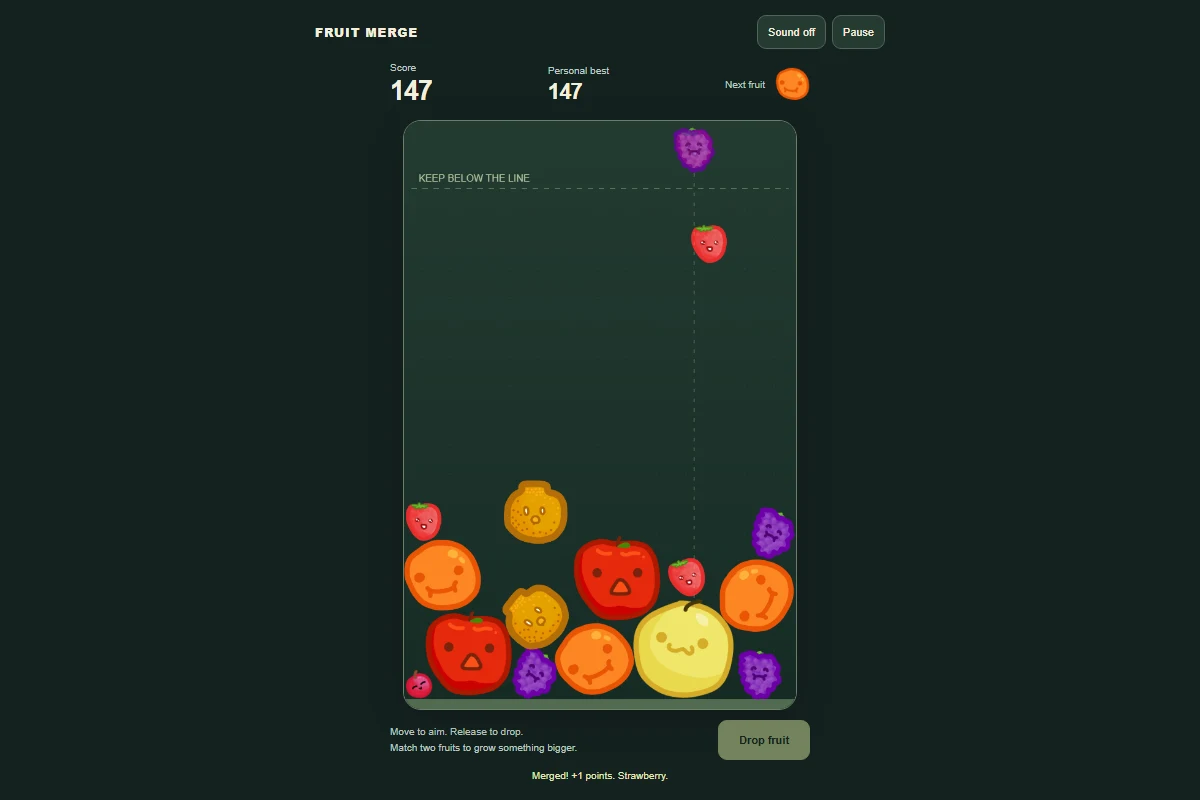
Drop matching fruits into the bowl and merge your way to a watermelon. Play this free fruit merge game online, with no download or account.
- Genre
- puzzle
- Input
- Touch, mouse & keyboard
- Save
- Saved on this device
How to play
Move your mouse or finger across the bowl to aim, then release to drop a fruit. Two matching fruits merge into the next size and earn points. Keep the pile below the dashed line: a fruit above it for three seconds ends the round. Arrow keys move the aim; Space or the Drop fruit button releases a fruit. Pause whenever you need a break.
Is Fruit Merge free to play online?
Yes. Play this watermelon merge game in your browser without downloading an app or creating an account. Use a phone, tablet or computer with an internet connection.
How do I make a watermelon?
Drop two matching fruits so they touch and merge into the next size. Keep combining equal fruits to reach the watermelon. Check the next-fruit preview before dropping, and leave room for larger fruit to settle.
What ends a round of Fruit Merge?
A round ends when a fruit stays above the dashed line for three seconds. Let the pile settle between drops and merge smaller fruit before the bowl fills up. You can pause a round and return to it later in this browser when storage is available.
Is my progress saved?
Your game progress is saved in this browser when storage is available. Clearing site data removes it. Saves do not sync between devices.
Can I play on my phone?
Yes. Use touch controls, or play with a mouse and keyboard on a computer. The controls are explained above.
Who made this game?
Adapted from moonfloof/suika-game, released under the Unlicense. Fruit artwork comes from the same project. Physics by Matter.js, MIT. Puzzle Perch adaptation: responsive controls, pause, safe restoration, overflow grace period and synthesized sound. Read the credits and license.
Play next
Block Puzzle
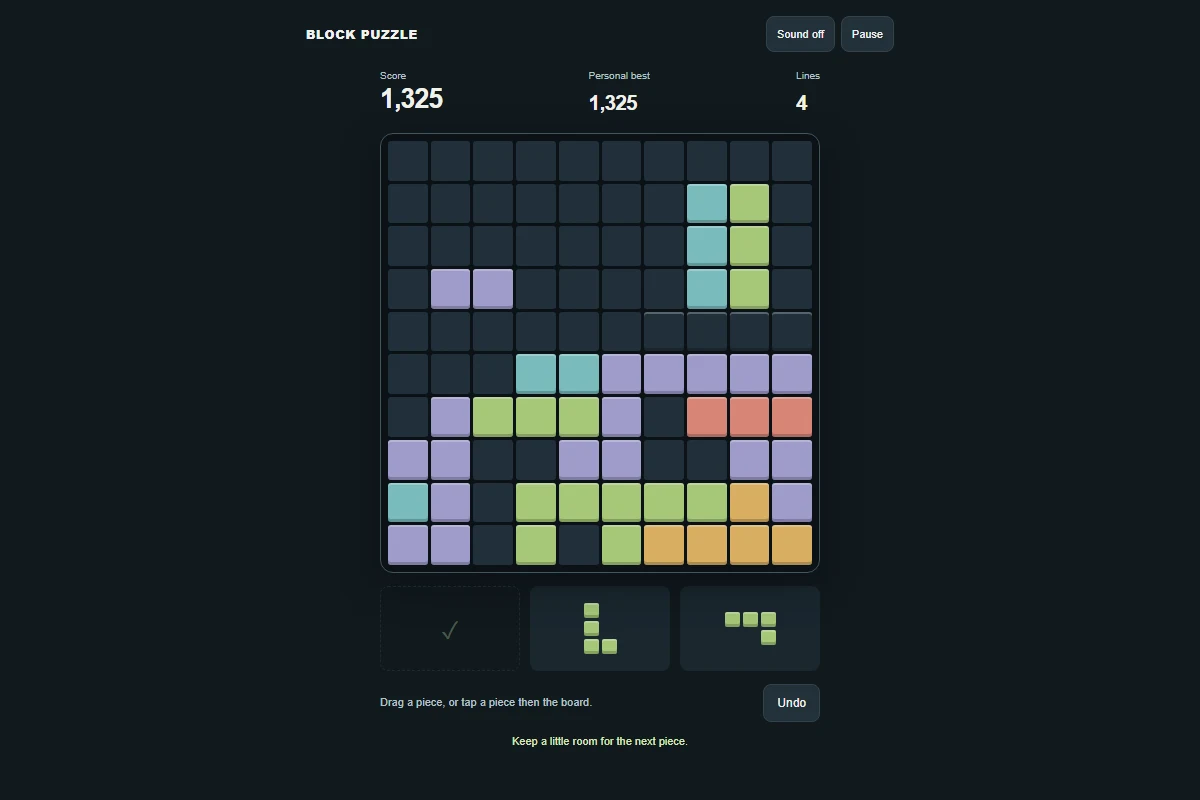
A colorful 10 × 10 block puzzle, free to play online. Clear rows and columns in classic mode or try the daily challenge. No download or account.
Water Sort
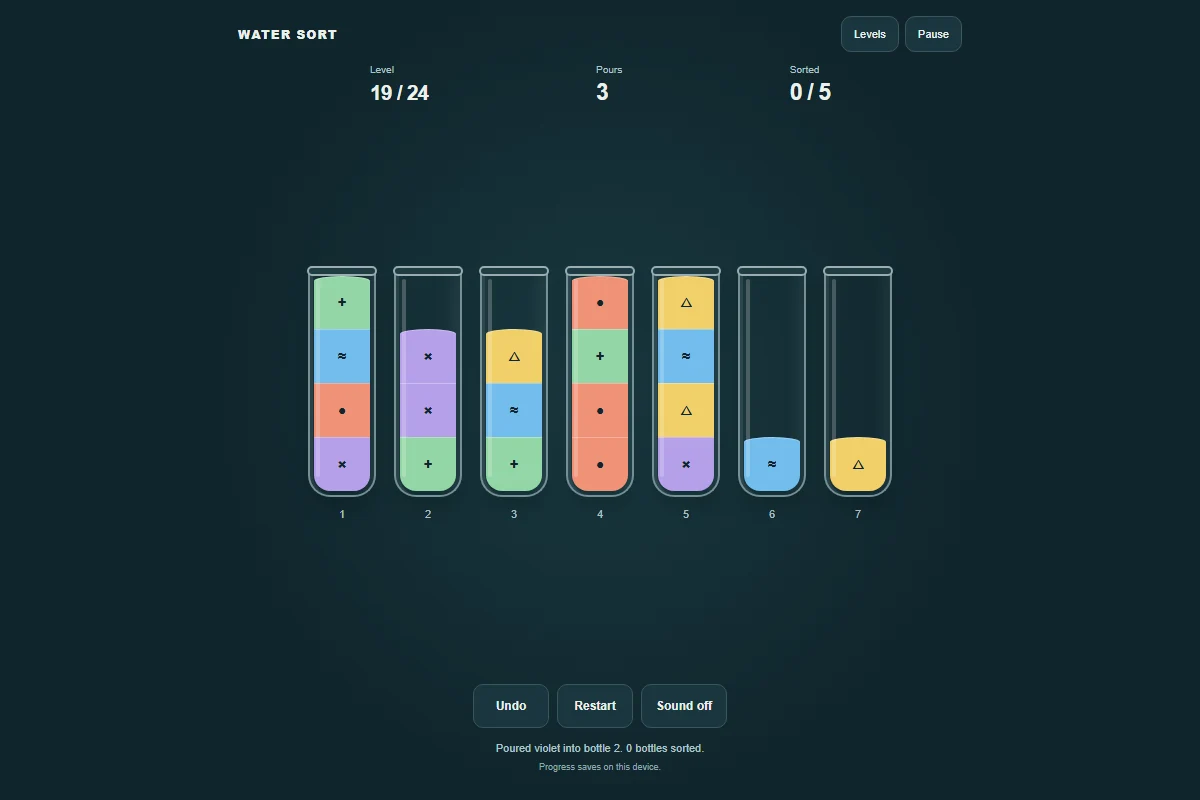
A little color, a little order. Pour matching colors together across 24 water sort puzzles. Play free online, with undo and saved progress.