Block Puzzle
A colorful 10 × 10 block puzzle, free to play online. Clear rows and columns in classic mode or try the daily challenge. No download or account.
- Genre
- puzzle
- Input
- Touch, mouse & keyboard
- Save
- Saved on this device
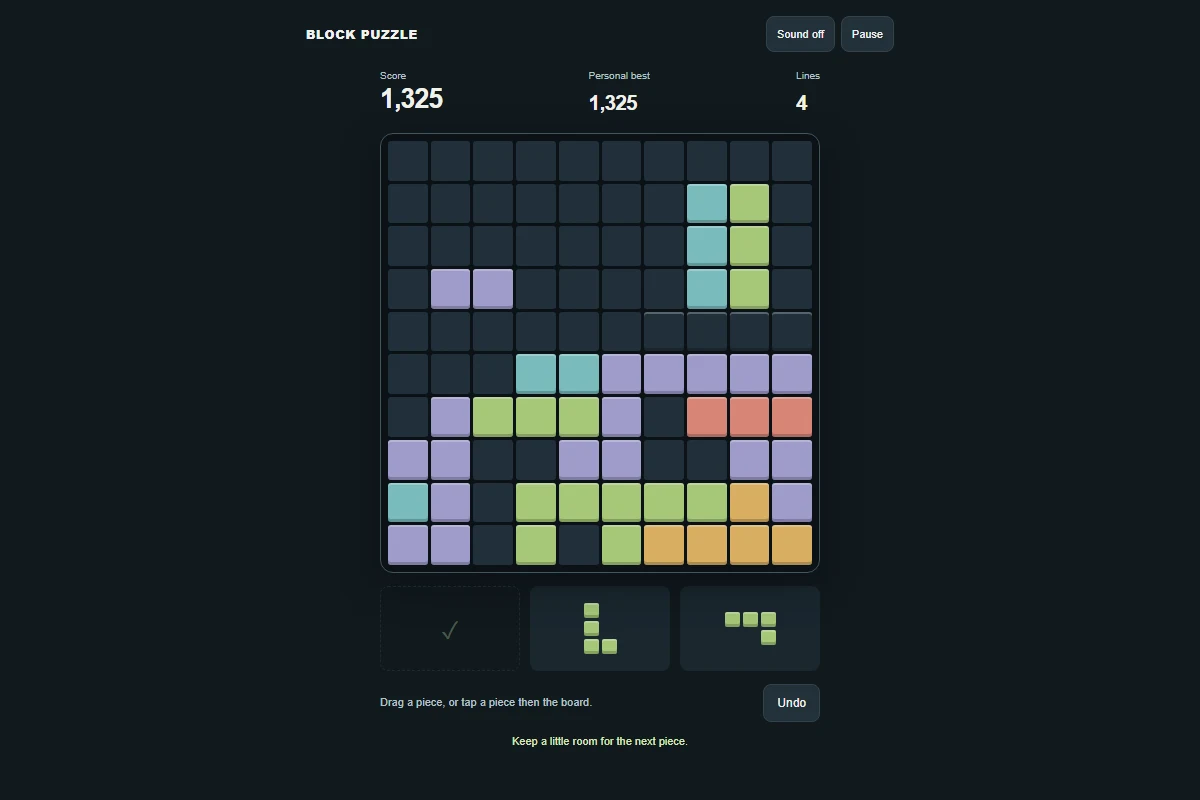
How to play
Drag one of the three pieces onto the 10 × 10 board, or select a piece and tap its top-left destination. Fill an entire row or column to clear it. Use all three pieces to get a fresh set. The round ends when no remaining piece fits. On a keyboard, use 1–3 to choose a piece, arrow keys to aim and Enter to place it.
Is Block Puzzle free to play online?
Yes. This color block puzzle runs in your browser with no download or account. Place three shapes at a time on a 10 × 10 board and clear full rows or columns. There is no timer, so you can plan each move at your own pace.
How does the daily block puzzle work?
Press Play game, then choose Daily challenge. Everyone gets the same piece sequence for the displayed UTC date. A new challenge becomes available at midnight UTC; return to the game menu to start it. Daily rounds do not allow undo, and your best score stays on this device when browser storage is available.
Can I undo a move?
In classic mode, Undo takes back your most recent placement while the round is still in progress. Daily challenges have no undo. Before placing a piece, check where all three shapes can fit and keep space for the larger ones.
Is my progress saved?
Your game progress is saved in this browser when storage is available. Clearing site data removes it. Saves do not sync between devices.
Can I play on my phone?
Yes. Use touch controls, or play with a mouse and keyboard on a computer. The controls are explained above.
Who made this game?
Based on Block Puzzle v5.2 by Sunil Malleshaiah, distributed under the permission notice in the upstream README. Puzzle Perch adaptation: responsive interface, keyboard controls, seeded daily play, persistence and session integration. Read the credits and license.
Play next
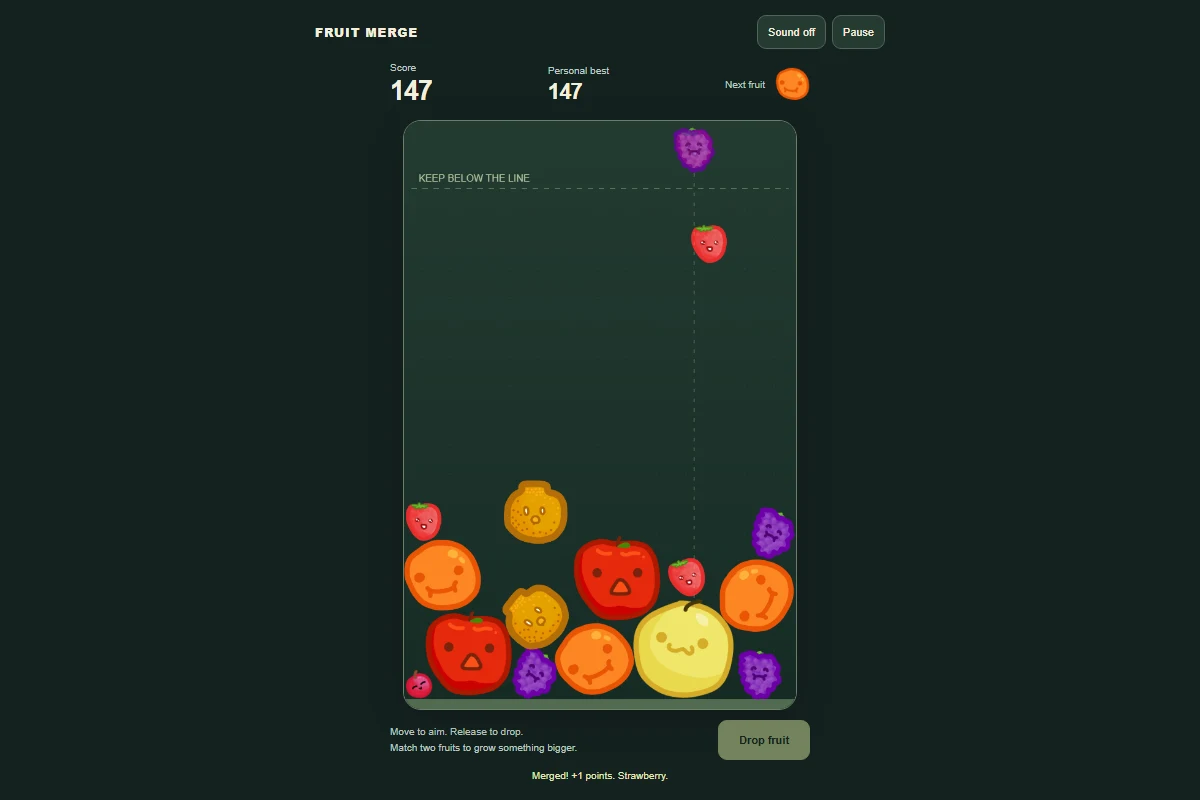
Fruit Merge
Drop matching fruits into the bowl and merge your way to a watermelon. Play this free fruit merge game online, with no download or account.
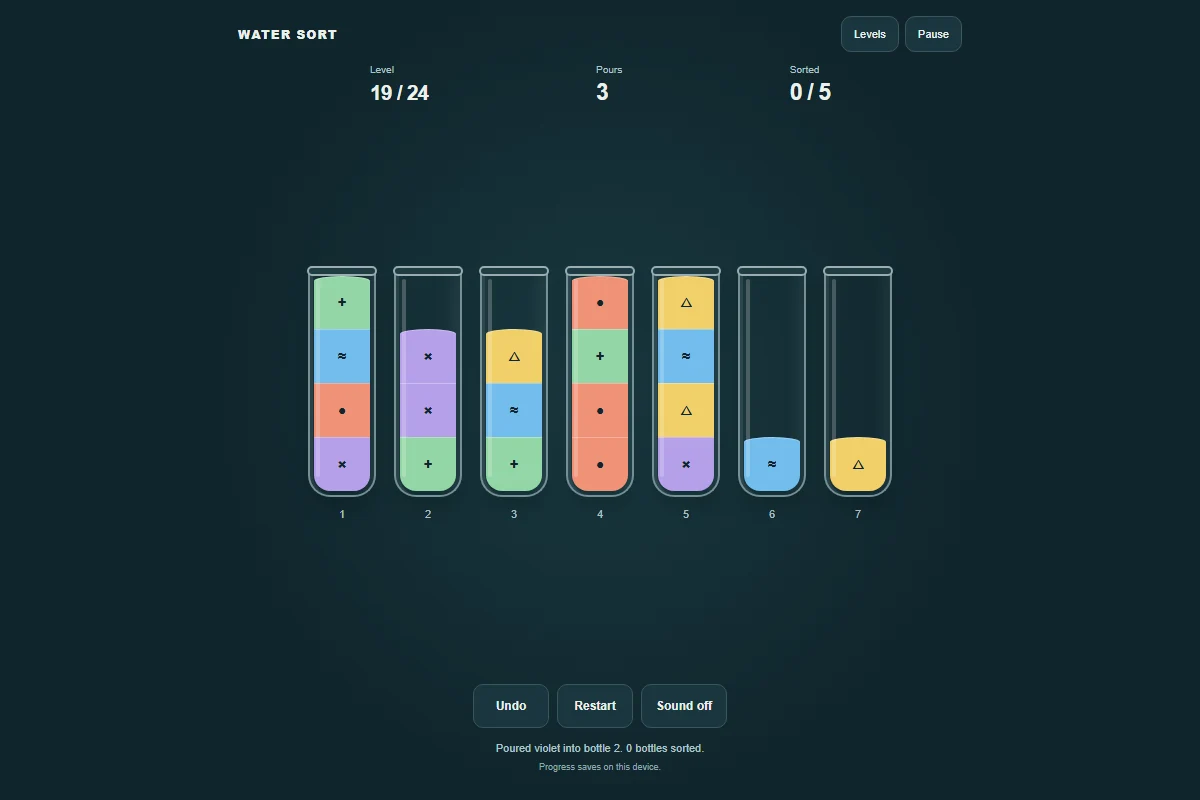
Water Sort
A little color, a little order. Pour matching colors together across 24 water sort puzzles. Play free online, with undo and saved progress.
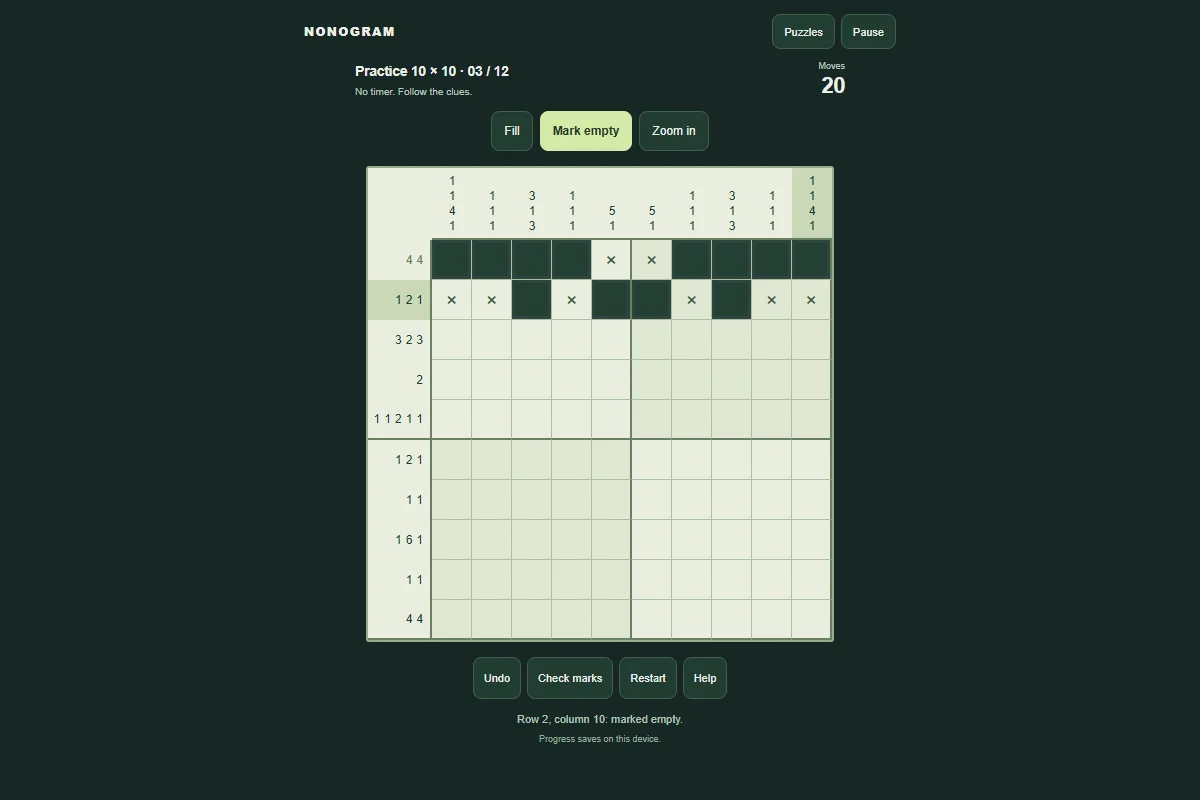
Nonogram
Turn number clues into a pattern. Play 5×5 and 10×10 nonogram puzzles, with daily challenges, undo and saved progress. No download or account.