Nonogram Online
Turn number clues into a pattern. Play 5×5 and 10×10 nonogram puzzles, with daily challenges, undo and saved progress. No download or account.
- Genre
- puzzle
- Input
- Touch, mouse & keyboard
- Save
- Saved on this device
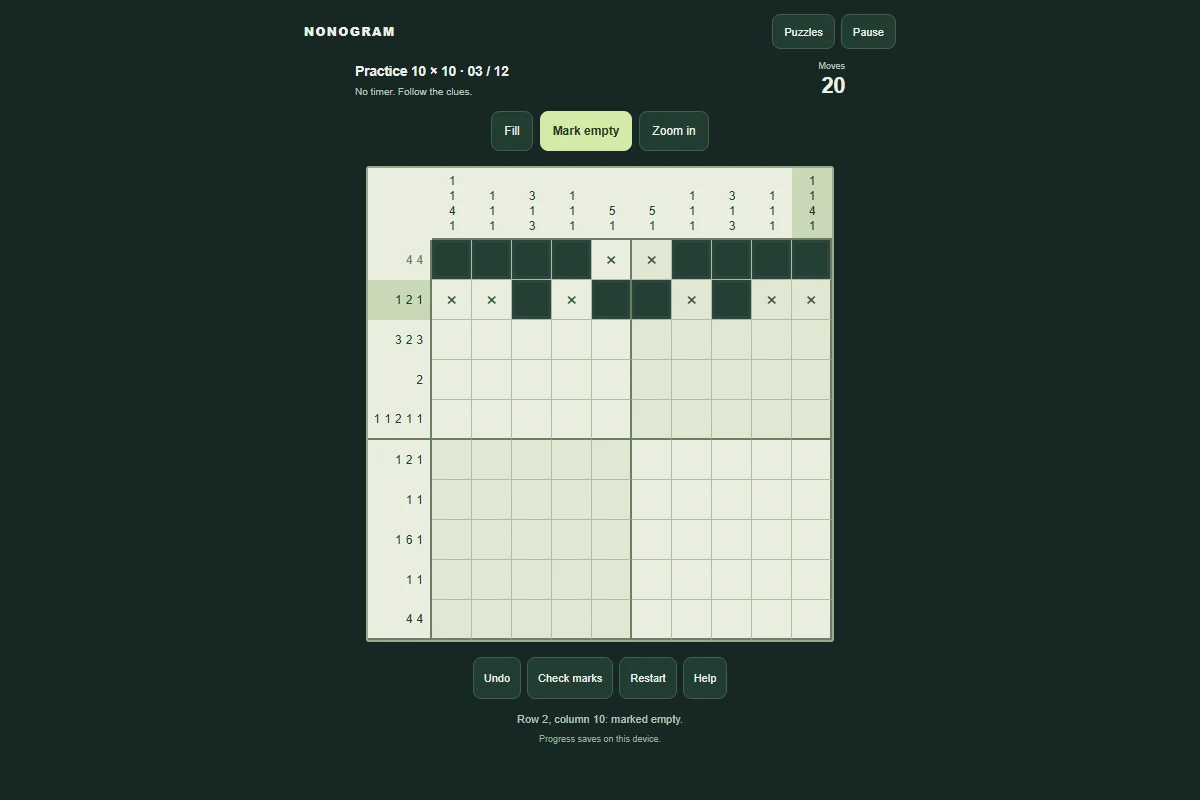
Choose how to play
Pick a size to continue your practice, or try today's shared puzzle.
How to play
Choose Play 5×5 or Play 10×10 for practice, or select a daily puzzle above. Use Fill or Mark empty and tap a square; tap the same mark again to clear it. On a keyboard, arrows move around the grid, Space or Enter uses your selected tool, and X marks an empty square. Follow the row and column clues to fill the complete pattern. Crossing every empty square is optional. Your unfinished practice puzzle in each size resumes in this browser when storage is available. When you reopen daily mode, saved progress resumes only for the current UTC date.
Nonogram strategy
Treat each clue as a constraint, then let rows and columns check each other. Fill cells only when the clues give you a reason.
Stuck in a practice puzzle? Choose Explain one move to find a useful row or column, then Show why to compare its possible placements. You make the mark yourself. The explanation uses your current marks, so use Check marks if an earlier choice seems wrong. This optional help is available in practice and tutorials, not the daily challenge.
Start with lines that leave no choice
A clue of 5 fills a five-cell line. A clue of 0 means the whole line is empty. Separate groups need at least one empty cell between them: clues [2, 2] in five cells must be two filled, one empty, then two filled. Every space is accounted for.
Find the overlap
For a clue of 3 in five cells, slide the three-cell run from one end to the other. The middle cell belongs to every possible placement, so it must be filled. The outer cells are undecided, not automatically empty. These are alternatives, not three moves to copy.
# filled; × empty; ? undecided For a line with different clues or known marks, explore Nonogram overlap with the interactive line helper.
Carry each deduction across the grid
After filling a cell in a row, inspect its column. Once a line has all its required filled groups, mark the remaining cells empty. On a 10 × 10 grid, the same rules apply: a clue of 10 fills a line, and shorter groups may overlap. Revisit unfinished lines as new information arrives.
When repeated checks of every row and column give no new forced square, read the Nonogram contradiction worked example (opens in a new tab). Its separate checked 5 × 5 teaching puzzle shows how to keep trial marks apart from proved facts.
Show the first 5 × 5 practice puzzle solution
The first practice puzzle has row clues 1, 1, 5, 1, 1 and the same column clues. No guessing is needed:
- Fill all five cells in row 3, the middle row.
- Fill column 3. Its center is already filled, so this adds four cells.
- The other rows and columns now each contain their required single cell. Everything else is empty.
The nine filled cells make a cross. Marking the other cells with × can help you read the result, but this version also accepts them left unmarked.
# filled; × empty
How do nonogram clues work?
Each number gives the length of a consecutive group of filled squares. Leave at least one empty square between groups. Read row clues from left to right and column clues from top to bottom. A 0 means the whole line is empty. Every puzzle here is checked to have exactly one solution.
How does the daily nonogram work?
There is one shared 5×5 puzzle and one shared 10×10 puzzle for each UTC date. New daily selections change at midnight UTC. An open puzzle keeps its original date while you finish it. Daily puzzles rotate through a verified bank, so patterns can repeat.
What if I make a mistake?
Undo takes back up to the last 100 changes. Check marks highlights incorrect filled squares or empty marks without a penalty. You can restart the grid or open the short How to play guide. On a small screen, Zoom in gives you larger squares and lets you pan around the board.
Is my progress saved?
Your game progress is saved in this browser when storage is available. Clearing site data removes it. Saves do not sync between devices.
Can I play on my phone?
Yes. Use touch controls, or play with a mouse and keyboard on a computer. The controls are explained above.
Who made this game?
Number-clue grouping adapted from DynamicPix by Lucas Rollemberg, under the MIT License. Puzzle Perch implementation: monochrome grid, original verified puzzle bank, offline solution counter, UTC daily selection, keyboard/touch controls and local saves. Read the credits and license.
Play next
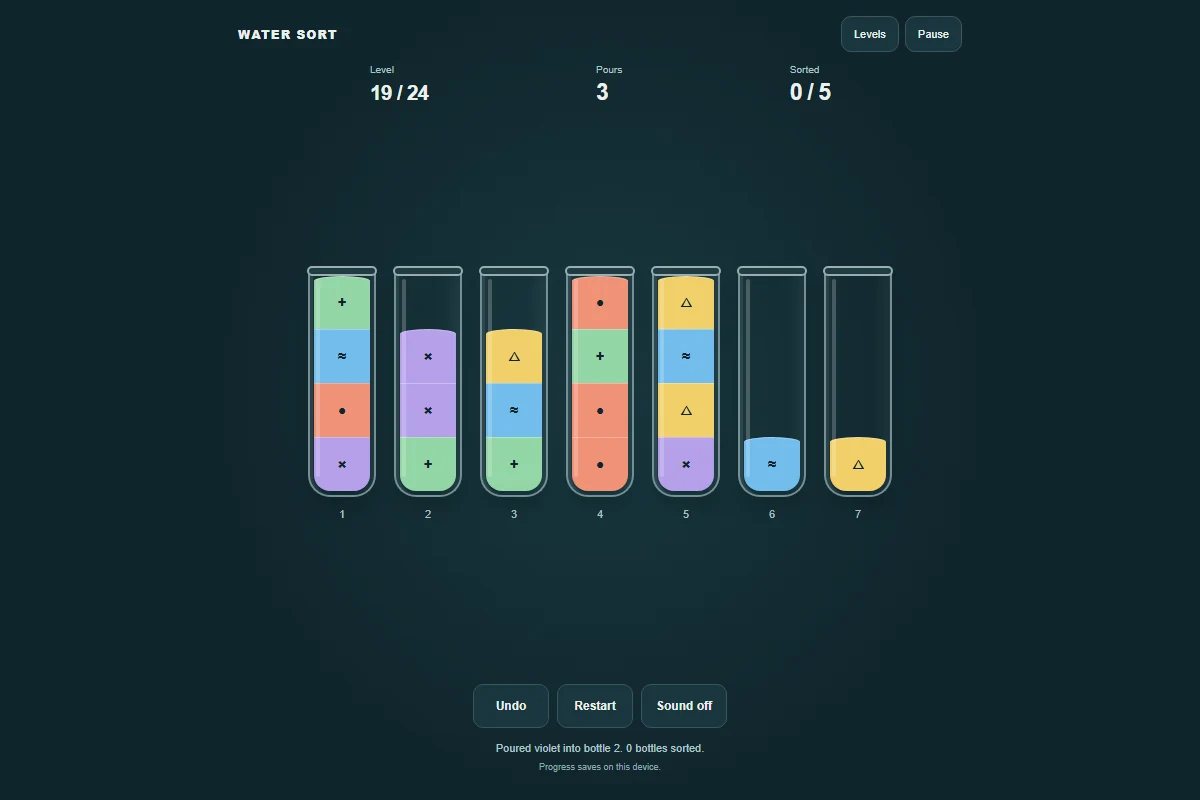
Water Sort
Play 24 free water sort puzzles online. Match colors bottle by bottle, undo a move and save your progress. No download, account or timer.
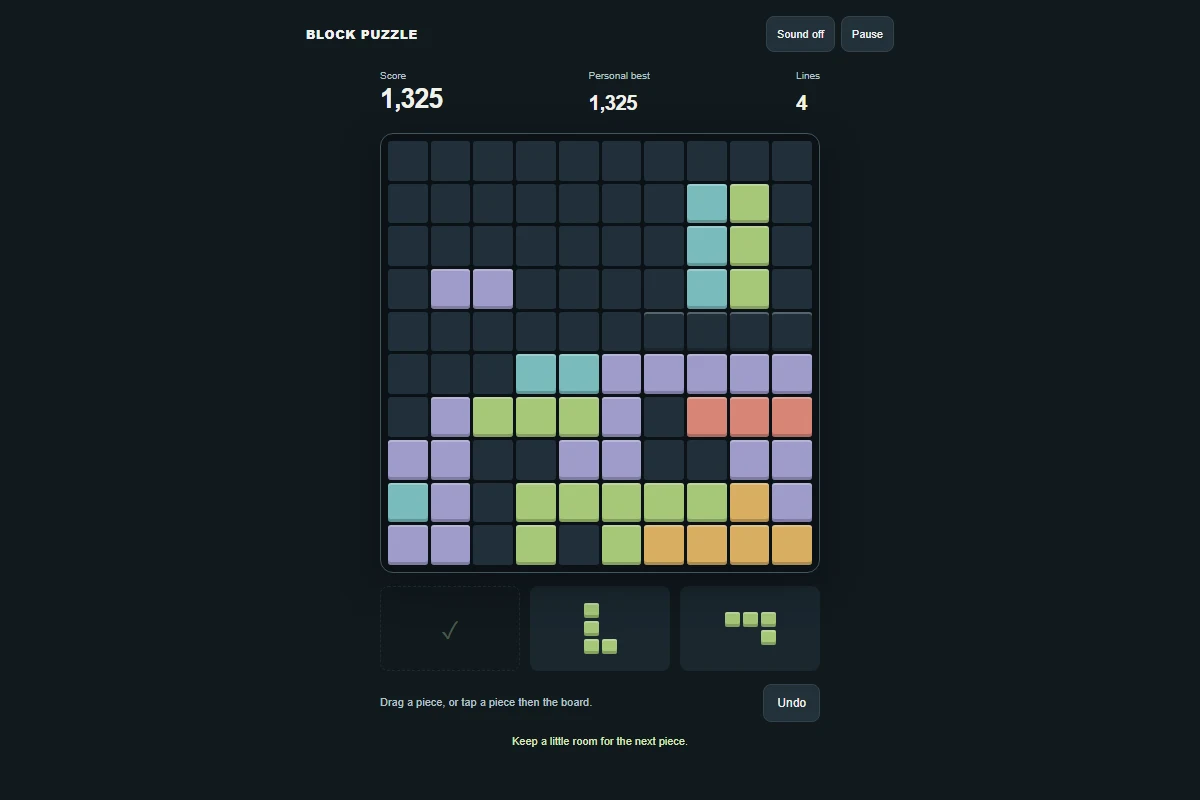
Block Puzzle
A colorful 10 × 10 block puzzle, free to play online. Clear rows and columns in classic mode or try the daily challenge. No download or account.
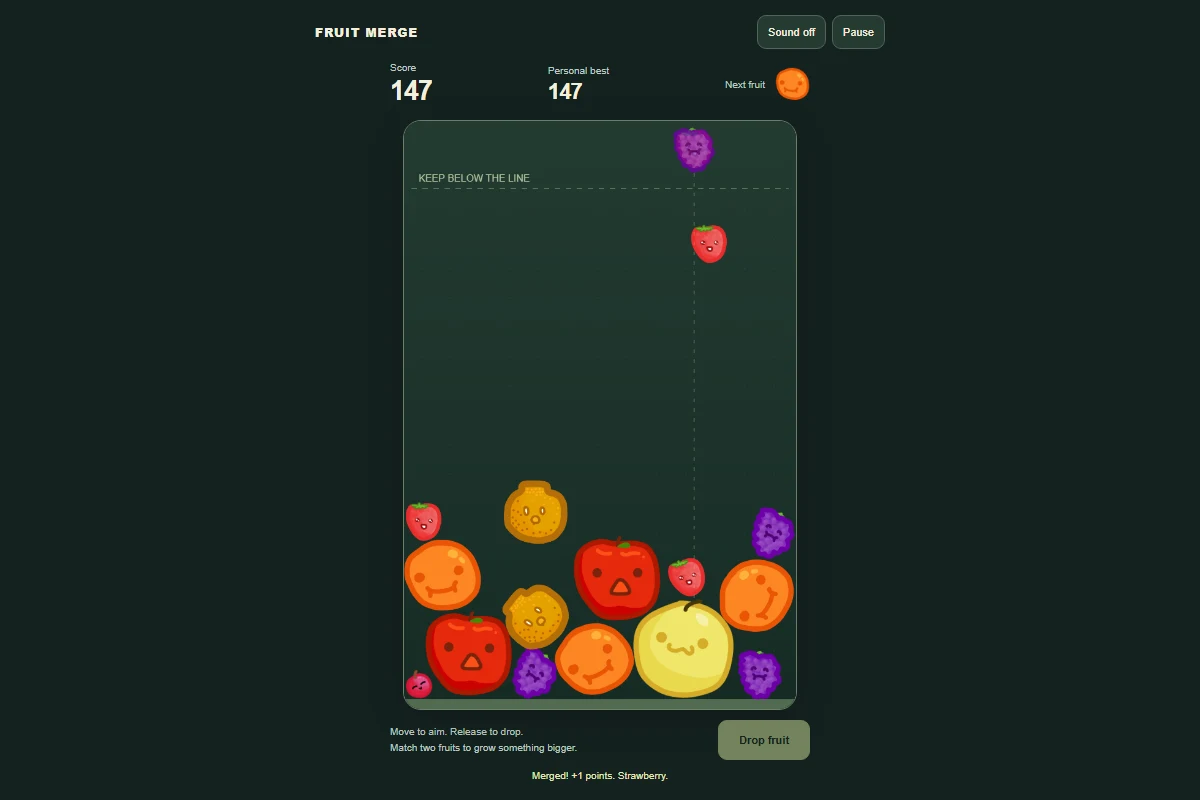
Fruit Merge
Drop matching fruits into the bowl and merge your way to a watermelon. Play this free fruit merge game online, with no download or account.